Connect place and detail
Selecting a map marker opens the corresponding report. A list view offers the same information without requiring a visitor to interpret the map.
COMMUNITY INFORMATION / INTERFACE DESIGN
A map-led community safety concept that connects incident categories, contextual details and a clear reporting flow.
Collaborative concept · Simulated information demo
IN4SAFE / COMMUNICATION DESIGN CASE STUDY
Digital-safety education translated into a clear, consistent communication system — across presentation, print, social and motion.
Independent portfolio extension by Pris Tann, developed with AI assistance. Not commissioned by or affiliated with TD Bank. Original IN4SAFE team credits and interface work remain below.
The original IN4SAFE concept organizes community information. This extension carries that focus into digital-safety education, using a fictional account message to explain a useful response.
The yellow, charcoal and grey palette connects it to the original work. Short sentences and a repeated visual sequence carry the idea across formats.
Browse the complete eight-slide presentation here. The PowerPoint download retains editable text and shapes.
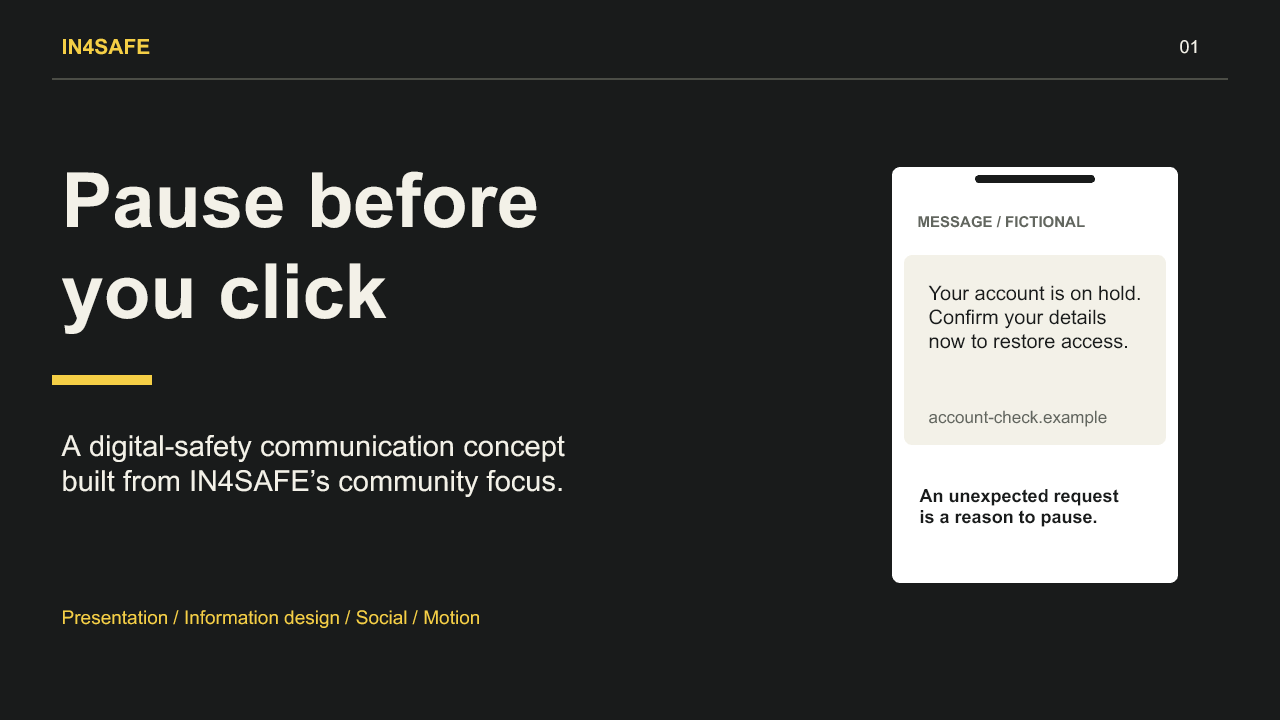
01 / 08Communication concept
A 26-second sequence uses pacing, typography and visual emphasis to make the next action easy to follow.
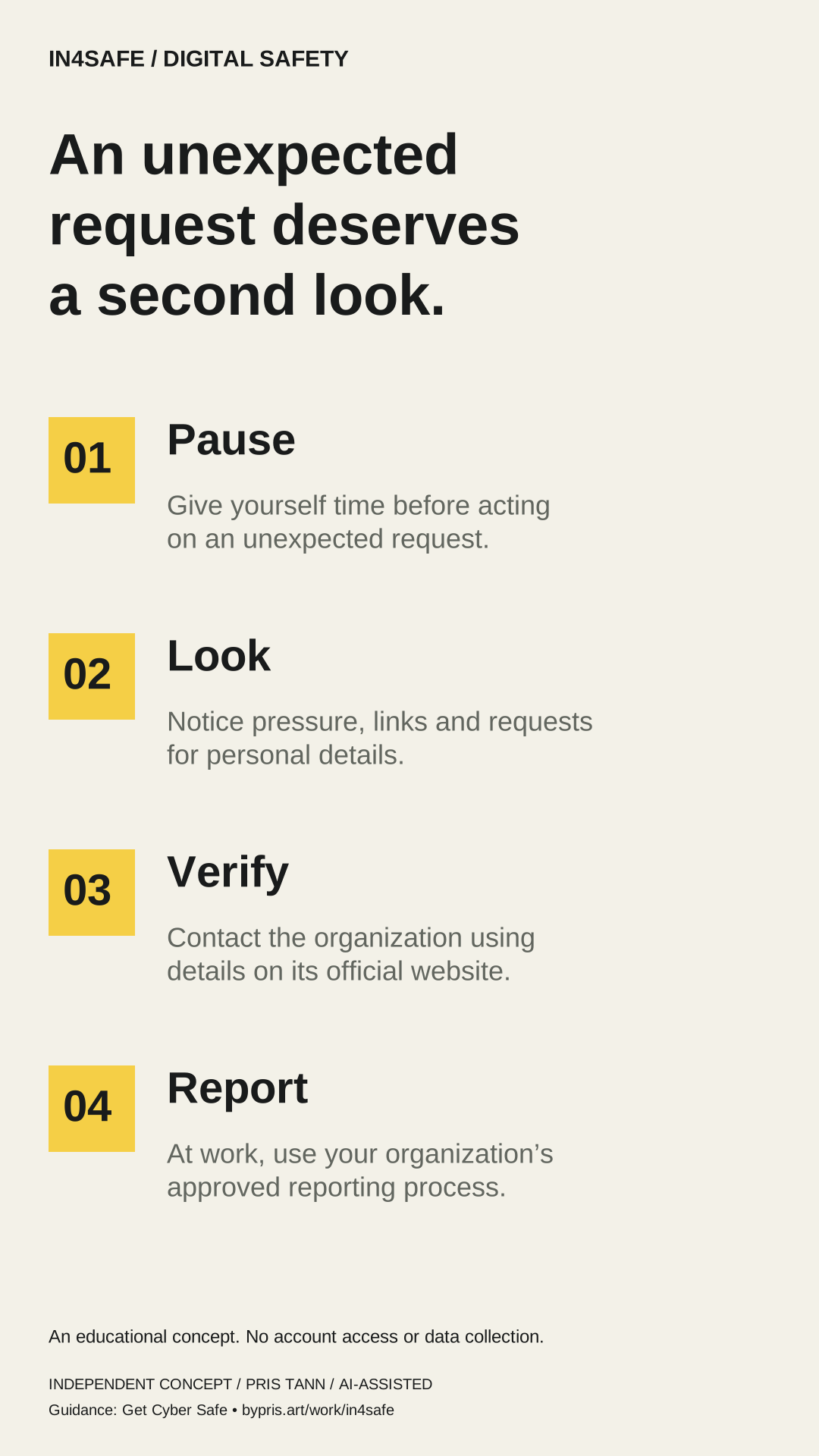
An unexpected message arrives. Does it need an immediate answer? Pause before you click. Notice the pressure to act now. Verify through an official contact. Use the organization’s official website to find its contact details. A safer next step starts with a pause. At work, use your organization’s approved reporting process.
Designed for silent viewing. Text appears in the film. No voice-over or soundtrack.
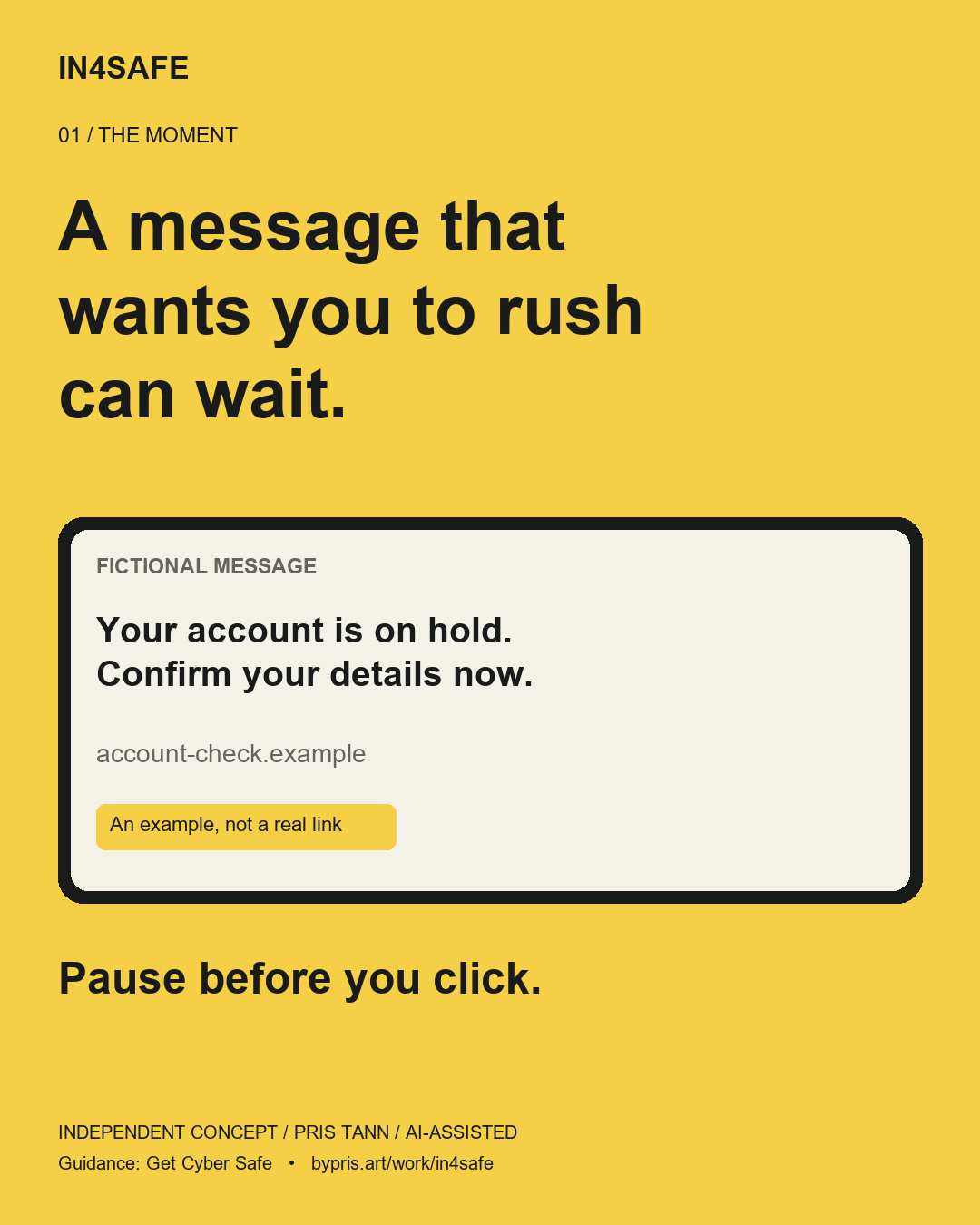
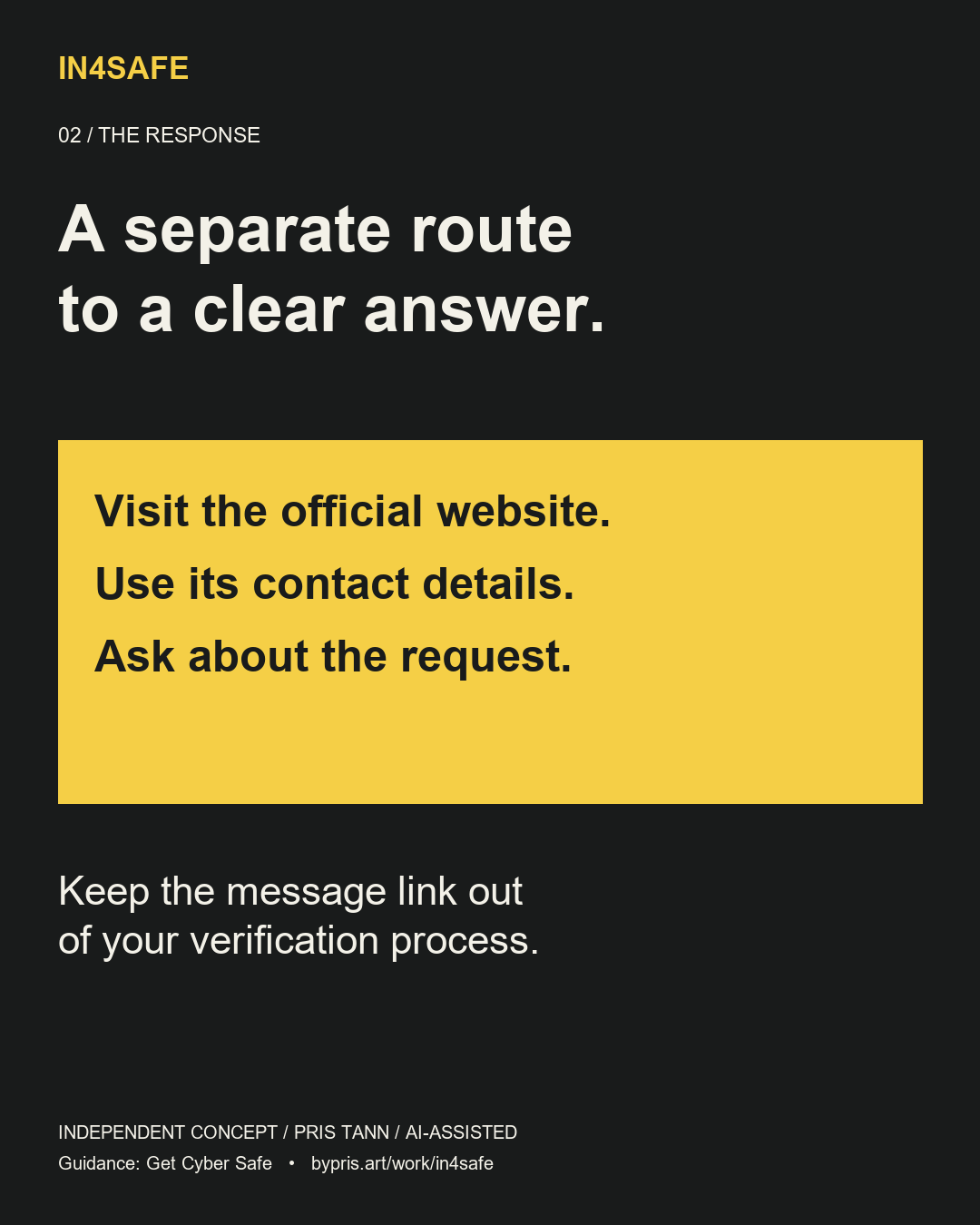
Each social graphic carries one part of the message. Open a full-size PNG or use the editable SVG in the download pack.
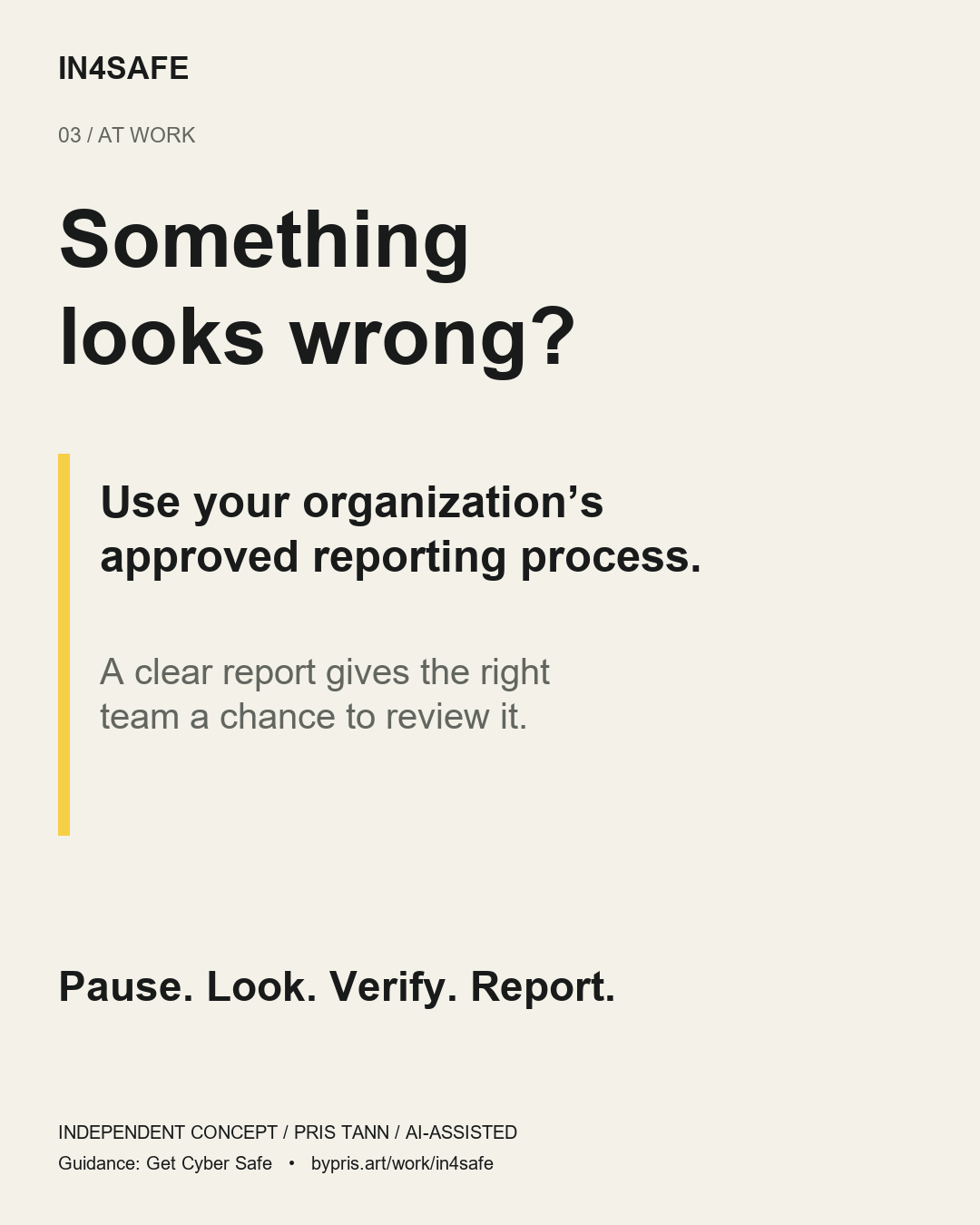
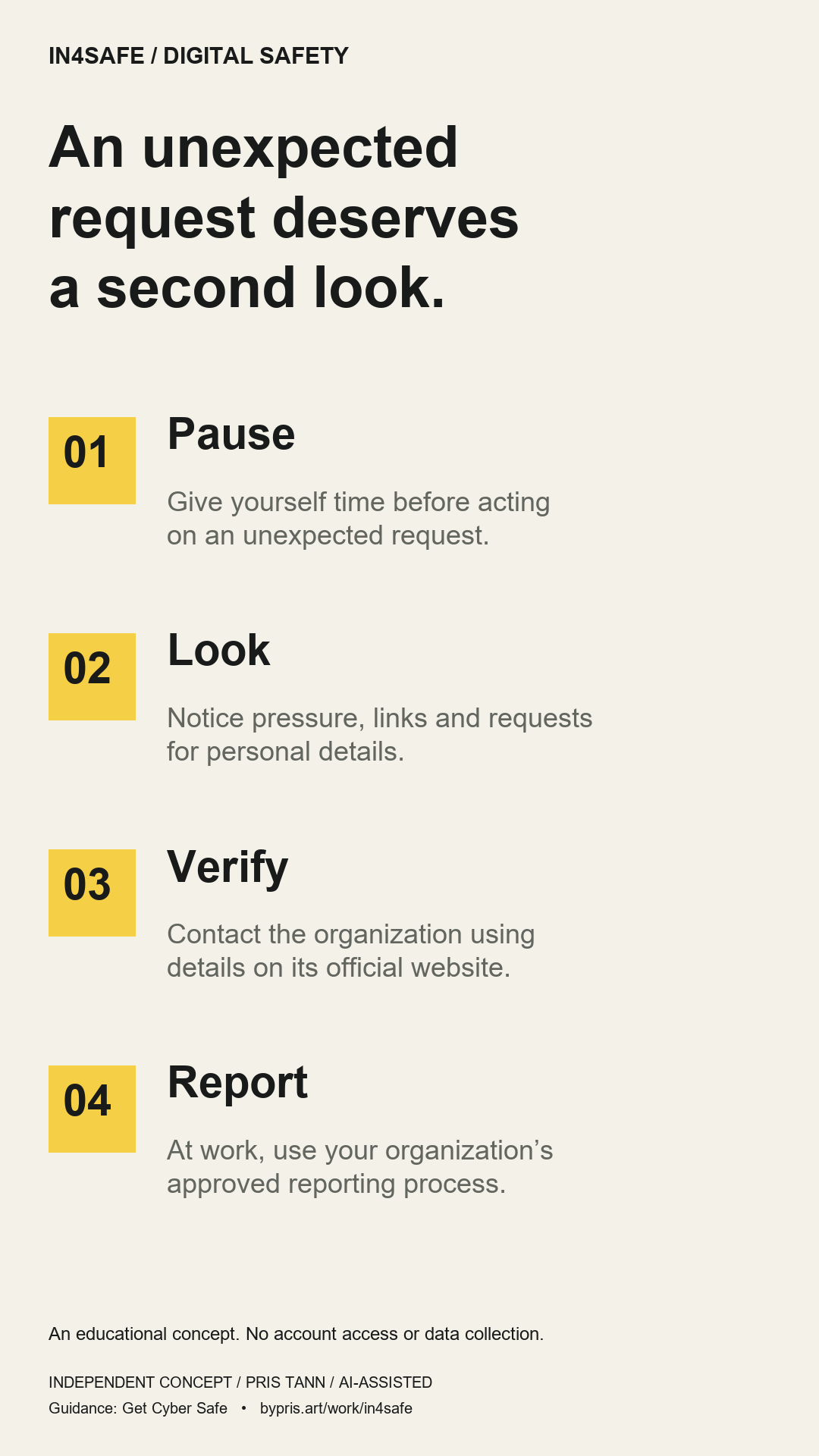
The infographic turns the story into a reference. Numbered steps, generous spacing and short explanations support a top-to-bottom reading order.
Yellow marks the sequence. Written labels carry meaning alongside colour. The fictional example uses a reserved .example address so it cannot be mistaken for a real destination.
This is a concept, not a live campaign. Subject-matter review, brand approval and comprehension testing would come before real use. No reach, conversion or usability results are claimed.
01 / THE DESIGN QUESTION
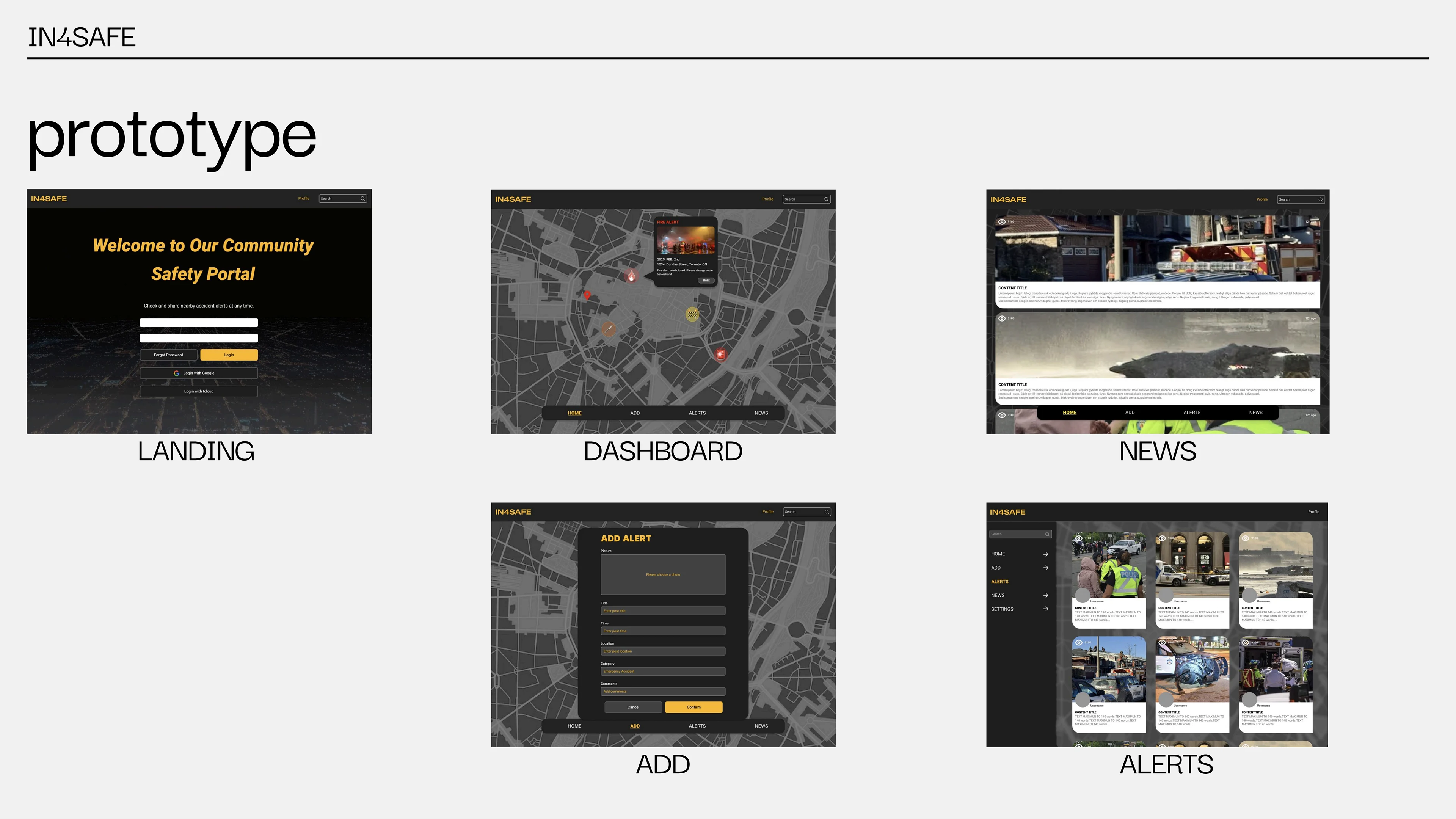
The original proposal brings together a dashboard map, reports, category filters and news. This case focuses on information hierarchy: what happened, where it belongs in the map, its category and its current status. It preserves the original yellow, black and grey visual language.
02 / KEY DECISIONS
Selecting a map marker opens the corresponding report. A list view offers the same information without requiring a visitor to interpret the map.
A short form separates title, category, severity, location and description. A reviewable record can then be edited or marked resolved.
A severity label is not a verification badge. Every example is fictional and the public demo is explicitly separate from any emergency or monitoring service.
03 / A JOURNEY THROUGH THE PRODUCT
Try the path below, then return to the original interface sheets to see how the concept became an experience.
04 / EXPLORE THE PROTOTYPE
The interactive demo includes a schematic map, filters, report details, create/edit and resolve actions stored only in this browser. It uses fictional locations and reports. It does not request your location, publish alerts, send notifications or provide emergency assistance.
05 / ORIGINAL DESIGN MATERIAL
Original project sheets, including early directions and proposed functionality. Click to enlarge. Historical research and proposed capabilities on these sheets are not claims about the current demo.
06 / WHAT COMES NEXT
Test whether visitors can distinguish category, severity and report status, then create and correct a report. A real service would need verified sources, moderation, privacy controls and accountable operations.